













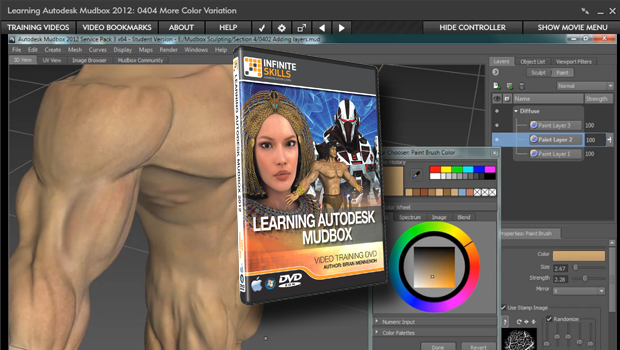
Infinite Skills “Learning Autodesk Mudbox 2012” Tutorial Review
Infinite Skills “Learning Autodesk Mudbox 2012” Tutorial Review
With Brian Mennenoh
Review written by John Swanson
Editor Lais Williams
 Before I get started with the review, I want to mention something about this tutorial’s instructor, Brian Mennenoh. He’s both a department chair and instructor at the Milwaukee Area Technical
 College (founded 1912). He started using 3d Studio R2 back in the 90s, and if you visit his personal site you’ll see that 3ds Max and Mudbox are in the number 1 and 2 positions on his computer program list. You can also see some examples of his Mudbox work.
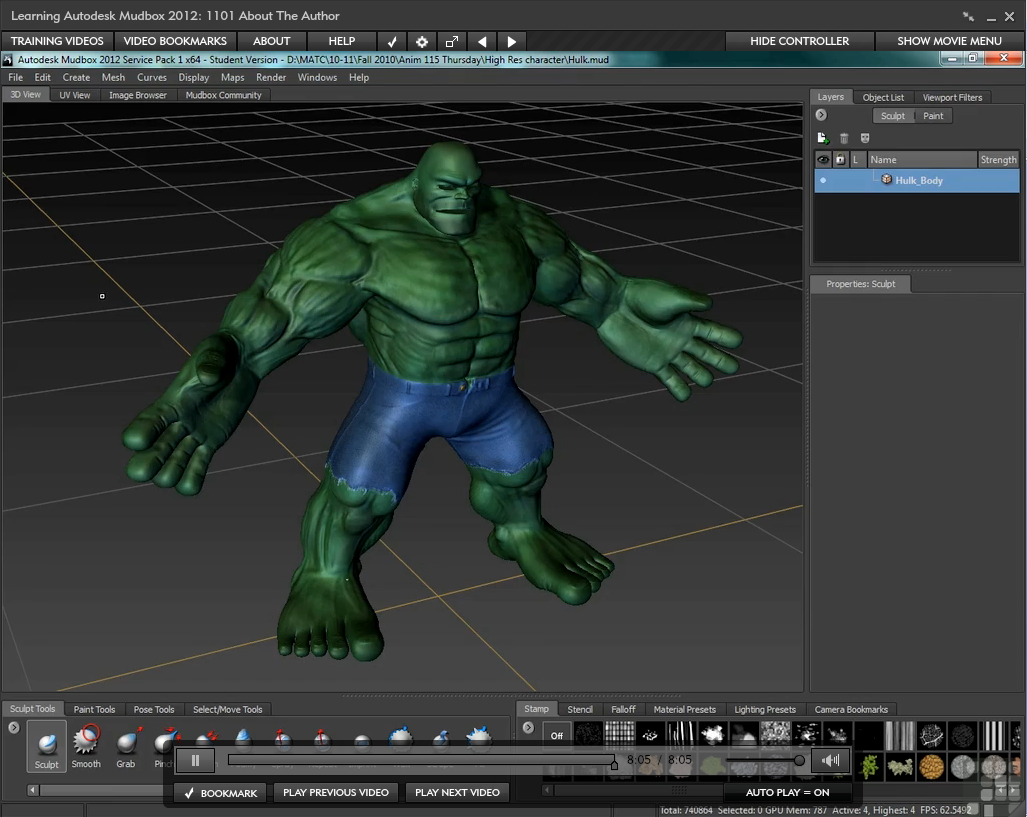
Next, I want to mention the Flash player used for the training. I advise watching the 10 minute help video provided on their website. This will translate to less frustration and better learning. The player is easy to use and navigate without any help, but I still suggest a quick look to get the most out of the experience. As they say in the Flash Player help video itself “…It’s to make our lives as learners as easy as possible.”
This tutorial was designed for beginners, so it’s taught from the ground up. I got my start using Mudbox 1.0 around 2006, just before Autodesk purchased the program from Skymatter. I am not an expert, and in fact consider myself a Mudbox hobbyist, but I do know my way around the various parts of the program pretty well and I feel that Brian gives a good introduction to the software. After he lays the foundation of the stuff you need to know, like how to use the sculpting and painting tools and familiarizing you with the interface, you are ready to try your hand on an actual model. You follow one project, the creation of a very muscular barbarian, from start to finish. I’m a big fan of this training methodology. There are very few breaks in the thread of the process. We get to see everything, all the techniques necessary to bring the rough model to life. Sometimes this involves false starts or little “mistakes” that I suspect may have been included deliberately to aid in the learning process. Although this is one way we get insight into the thought processes involved in creating a sculpture and problem solving with Mudbox, I felt that sometimes these diversions got in the way (more on this later).
Even if you are completely new to this program, by being thrown into a project like this at the beginning you’re given an excellent introduction to the Mudbox UI. While using a good number of tools within the Mudbox arsenal to achieve the desired results on an actual model, we are made aware of the required but sometimes repetitive workflow of the sculpting process. We are exposed to organic as well as hard surface modeling in these videos that produce some highly detailed, hi-res models.
 Taking us through the Barbarian project, the training covers musculature and human anatomy. We are given a generous amount of reference material of other artists’ ideas of a “barbarian”, as well some good anatomy pictures of muscles. I was surprised that this 29MB reference folder was repeated in each of eight chapter folders (3 through 10), along with the chapter’s work files. I wish this had been handled differently in order to save some download time as well as disk space.
Brian takes us through the body sculpting process section by section in a well-thought-out progression. As an instructor, his teaching style is easy to follow. I feel confident that the points he makes will help students advance their skills in the fastest and most logical way.




Comments are closed.
Leave a Reply
Want to join the discussion?Feel free to contribute!