













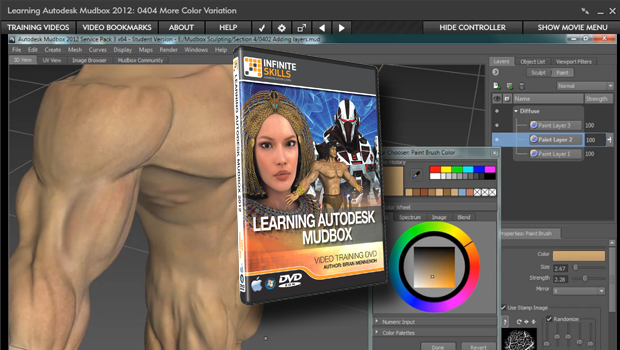
Infinite Skills “Learning Autodesk Mudbox 2012” Tutorial Review
Going on to the painting of the barbarian, we get some very useful tips and end up with a model with convincing skin tones, although I was a little disappointed that we got off to another false start. Brian does warn us that he’s going to try painting at the high resolution of 4026 and reduce it if he has to. Well, he had to, and if you are following along and run into the same trouble you’ll have to start over at 2048. This is no big deal, just a small inconvenience. I would rather have been told that if my machine could handle it I might want to try the higher resolution, but that he was going to stick to 2048 because his machine, with the recording and all, could only handle that comfortably.
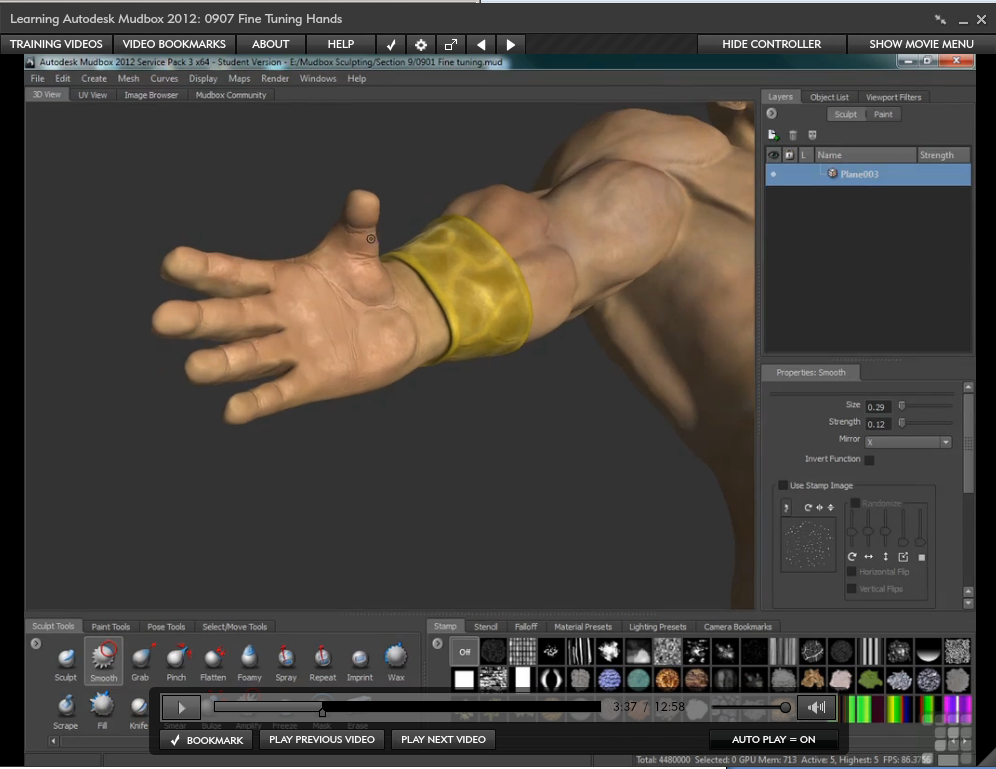
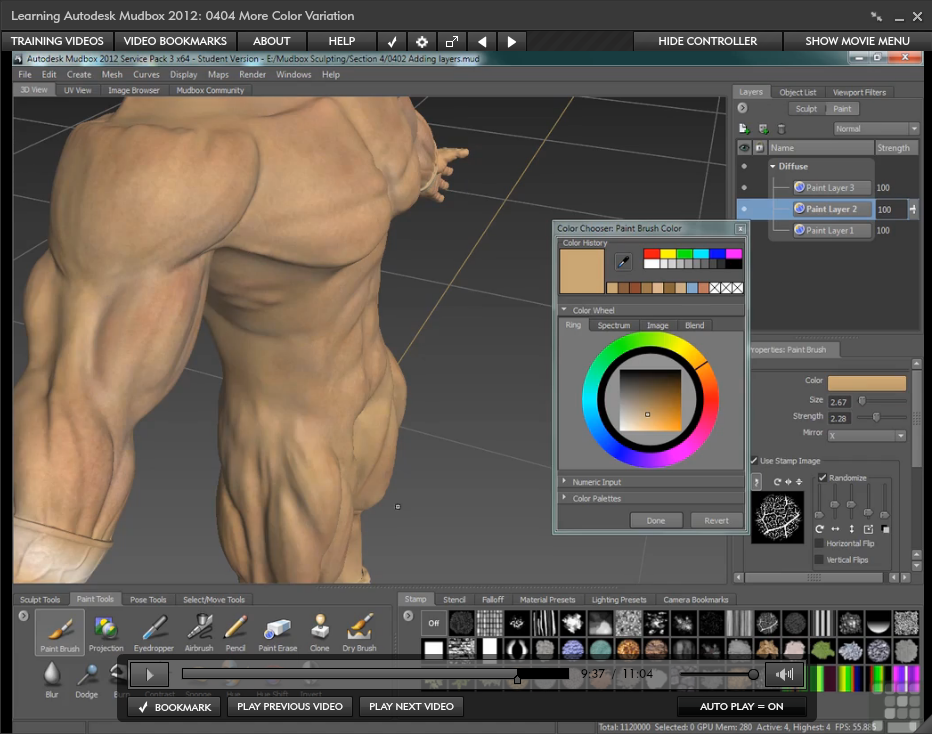 Brian’s ideas on painting and the techniques employed really make this part of the training stand out. I picked up some good ideas here. Layers use while painting is covered extensively in this section. After taking the body painting as far as he can, Brian moves on to painting the wristbands. Here we get a chance to get into more advanced paint layering, such as creating specular and glossiness layers for both the metal as well as on the skin. I like that he shows us how to make adjustments to layers right in Mudbox so we can avoid moving over to a program like Photoshop. As he points out, skin is a pretty subtle material with very subtle variations, and he is able to lead us through this process with good results.
Next he shows us the correct way to handle adding additional objects into the scene with the barbarian. There are settings that must be adjusted first, so he takes us through the steps. I rarely see these important steps shown and was glad he took the time to take us through them. We import meshes such as boots, belts, and weapons, and are shown how to adjust their scale, if necessary. Brian then shows us how to sculpt a pretty convincing loincloth and leather boots.
 The sculpting and painting of the weapons was my least favorite part of this tutorial. I admit we end up with a good-looking sword and dagger, but the steps taken and the choice of tools used seemed at times too experimental. Brian might have felt this showed what’s involved in the process of sculpting, and in one sense it does, but I think this section lacks the coherence of the other, more thought out lessons. I’d give him three out of five stars in the weapon sculpting/painting section because, despite the strange steps taken to get there, we do end up with a very handsome barbarian sword.
The hair sculpting section is well done and we end up with some good, albeit sculpted, hair. I am not a big fan of this type of 3D hair, but Brian does do a good job of showing how this technique is done. It looks good, especially after he shows us the painting part of this lesson.
The lesson on the creation of the eye is good and filled with many helpful techniques I’ll be using going forward. The detailing and painting instructions are particularly good and worth watching.
Brian also briefly shows us the posing tool that comes with Mudbox. I agree with him when he questions the usefulness of this functionality within this program. It’s not that it’s bad or doesn’t work but I look at Mudbox more for its ability to add detail and its great painting and texture map tools, not posing a model.
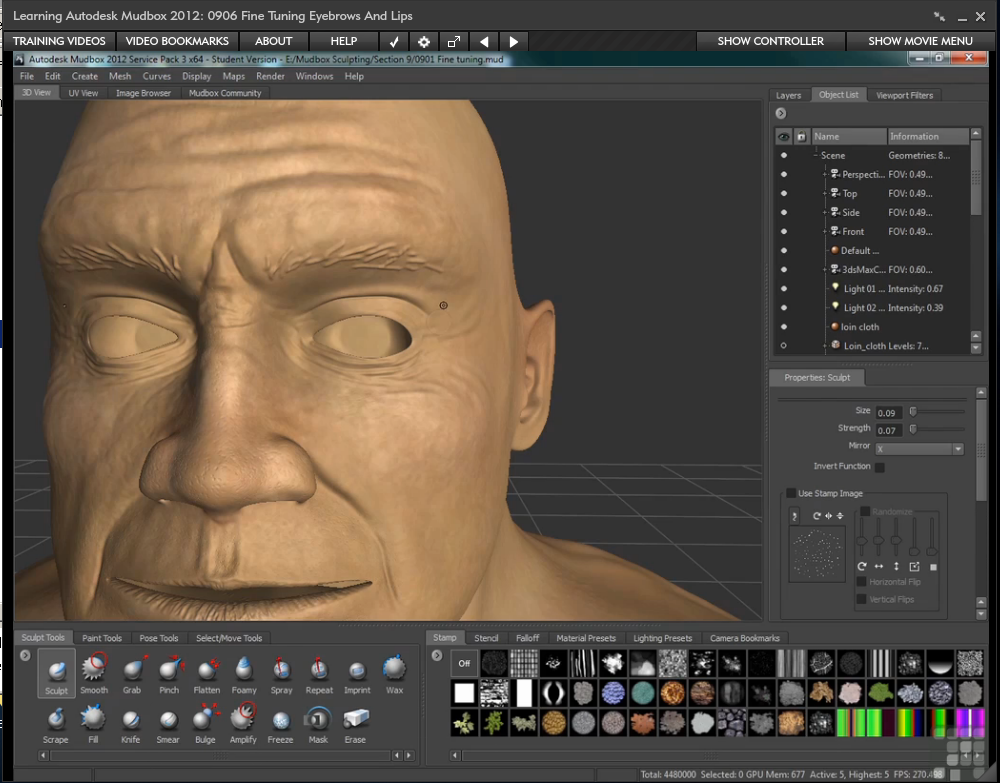 The “Fine Tuning” portion of this training is presented well. We learn how to sculpt some real character into the barbarian’s face. He does go a bit overboard adding creases and lines on the face to such an extent that we end up with a rather “older” looking face for such a young and fit body. He does realize this and fixes the problem later on. The techniques and thought processes he is showing us here are still valuable information. Adding nipples, a bellybutton, and some vascularity to the musculature finishes off the sculpting process nicely.
The rest of the training is logically presented as far as getting the Mudbox model back into 3ds Max. Brian holds our hand while extracting a few of the normal maps, showing us how to make changes in the dialogue box for the extraction of the maps. With that, we should be able to complete the process for the whole model on our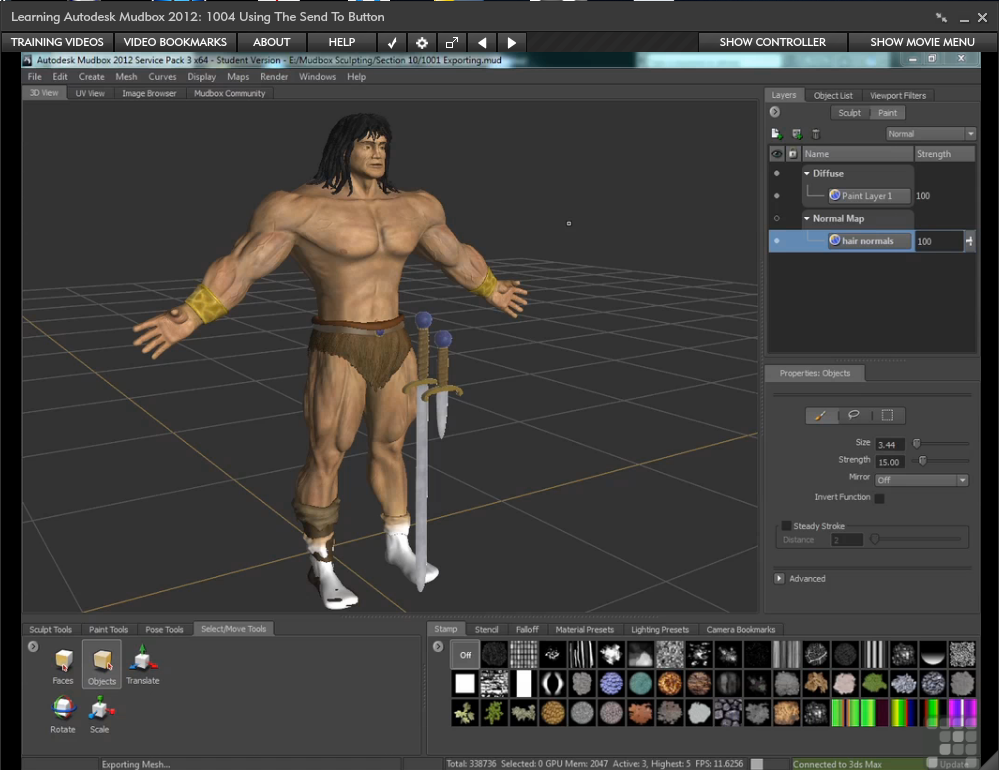 own. Next we are shown how to export OBJ and FBX files as well as the use of the “Send To” button. Back in 3ds Max, he shows us what must be done to deal with the differences in each of these methods. By using the Slate Editor, we reconstruct the textures created in Mudbox to be used with imported OBJ files. After doing a few fast renderings showing the different looks of the low and higher poly models, we are done.
The last portion of the video is a short section on Brian’s biography. Brian’s expertise is evident throughout the video, but I think that if it was positioned up front it would have given the student a better idea who Brian Mennenoh was and why he’s qualified to teach Mudbox.
 By starting with strong training in the layout of the user interface, then taking a good walk through the fundamentals of the vast array of tools in Mudbox, and taking us step by step through a complete project from 3ds Max into Mudbox and then back into 3ds Max, Brian prepares you with a good, solid foundation for future projects on your own.
Even though I pointed out a few parts that were not completely to my liking, I honestly believe that the positives found here greatly outnumber any negatives. I say this because even with the redundant reference files, a few false starts, and minor digressions in the flow of the process, there are plenty of nuggets of useful information. We are shown time after time, by example, how to produce a highly detailed model using the tools in Mudbox.
I recommend “Learning Autodesk Mudbox 2012” to any 3ds Max user who is new to this 3d sculpting program. As it was for me, I think you will pick up many useful tips while gaining a good understanding of all the powerful tools in Autodesk’s Mudbox.
Link to the personal website of Brian Mennenoh
This title is available as a DVD or download. See the website below for current pricing.
Here is a link to Infinite Skills site where you can check out a few lessons from this training and see for yourself.




Comments are closed.
Leave a Reply
Want to join the discussion?Feel free to contribute!